 kafadengi
AI Music Generator: turn words into hit songs
Describe a song, hum a tune or upload a record. The AI writes the music, you press play. Pick a mood, a style and a voice, then download it.
 Free download · Android













Your song is one idea away
Get AI Music Generator free
One app, every way to make music.
- 01
AI Song
Describe the song you want in a sentence, or tap Surprise Me. Choose a mood, a style such as pop, hip-hop, rock or dance, vocal or instrumental, and a male or female voice.
- 02
Hum or whistle
Whistle or hum a melody, or upload a recording, and the app turns it into music. Pick a mood and a genre before you create.
- 03
AI Cover
Upload a record or record yourself, then choose My Vocals or Other Vocals, or add your own voice, and create an AI cover.
- 04
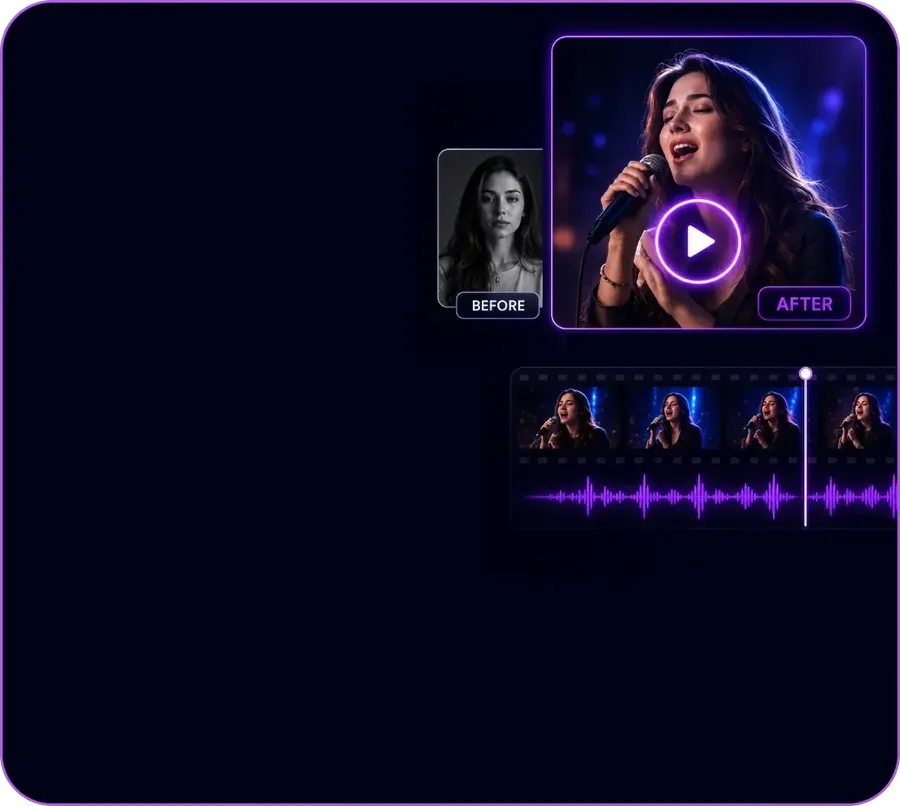
Singing photo video
Pick a pre-made song or upload your own audio and let a photo sing it. The Animation tab turns a song and a picture into a singing video.
- 05
My Songs
Every song you create lands in My Songs with its title, style and date, so you can play it, watch the progress and come back to it later.
- 06
Notified when ready
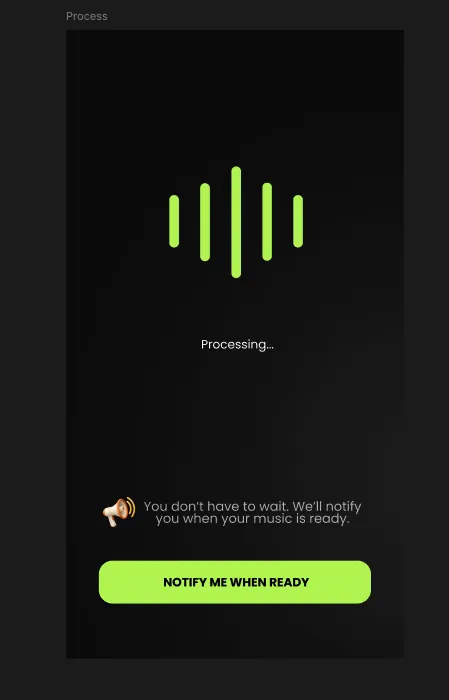
Songs take a moment to generate. You do not have to wait on the screen: the app can notify you when your music is ready.
From idea to play in three moves.
- Describe
Write what you hear in your head, or hum it. Add a mood, a style and a voice if you like.
- Generate
Tap Create Song. The AI composes while you wait or the app notifies you when it is ready.
- Play & download
Listen in the built-in player, skip back or forward ten seconds and download your track.
Good questions.
Is AI Music Generator free?
The app is free to download from Google Play and shows no banner ads. Creating and downloading songs is unlocked with an optional Premium subscription or, where the app offers it, by watching a rewarded video. There is also a daily limit on free use. Prices and limits are shown in the app and on Google Play.
What can I create with it?
You can create a song from a text description, turn a hummed or whistled melody into music, make an AI cover from a record or your own voice, and make a photo sing a song as a short video.
Do I need an internet connection?
Yes. Songs are generated online, so you need a connection to create them. Finished songs are listed in My Songs.
Can I choose the style and the voice?
Yes. You can pick an optional mood and a style such as pop, hip-hop, rock or dance, choose vocal or instrumental, pick a male or female voice and select a studio or concert source before you create.
Which languages and permissions does it use?
The app is in English. Permissions such as microphone access are only needed for features like humming or recording, and the Google Play Data safety section lists the details. Our Privacy Policy explains how Kafadengi handles personal data.
Who owns the songs, and are results always perfect?
AI output can be inaccurate or unexpected, so listen before you share. Use your own voice and audio for covers; uploading original songs or copyrighted recordings is not supported, and you should avoid harmful or hateful content. Check the app for the current terms.
Press create. Hear it in a moment.
Download AI Music Generator and turn your first idea into a song.